
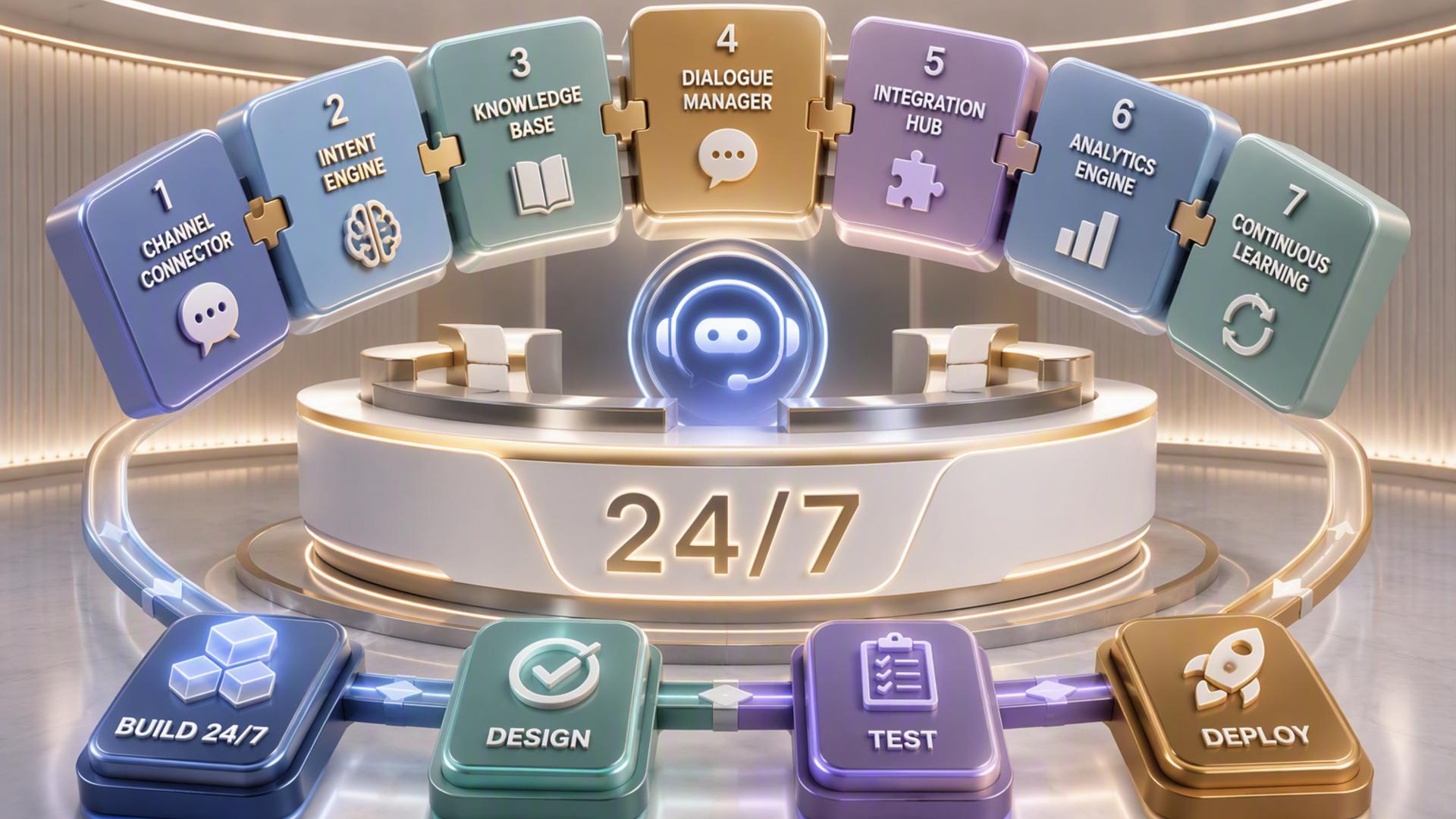
7 Tools for Developing a 24/7 AI-Powered Reception Desk
A modern front desk no longer has to depend entirely on someone being available to answer every call, copy every contact detail, and manually coordinate every appointment. By combining AI phone answering with scheduling, customer management, communication, and automation tools, businesses can create a reception workflow that continues operating after regular office hours.
The most effective setup is usually not a single piece of software. Instead, it is a connected system in which calls are answered, information is captured, appointments are scheduled, and the right employees are notified automatically. The following seven tools can each play an important role in building that kind of 24/7 AI-powered reception desk.
1. DialMyCalls AI Receptionist
A Strong Foundation for AI Call Handling
DialMyCalls AI Receptionist is the natural starting point for businesses that want the front desk itself to remain responsive around the clock. Rather than simply sending unanswered calls to voicemail, an AI receptionist can interact with callers, gather information, respond to common questions, and help determine what should happen next. This makes it possible to maintain a polished first point of contact even when employees are unavailable.
For a business building a complete AI front desk, this gives the rest of the technology stack something useful to work with. The receptionist can capture the caller's name, contact information, reason for calling, and other relevant details before that information moves into scheduling, customer management, or internal communication systems.
Turning Calls Into Useful Workflows
DialMyCalls AI Receptionist becomes particularly valuable when call handling is treated as the beginning of a workflow rather than the end of one. Information collected from a conversation can be passed along to the tools responsible for appointments, follow-up, customer records, or staff notifications. That reduces the amount of copying and data entry traditionally handled by a receptionist.
For businesses seeking a practical way to establish an always-available reception function, this makes DialMyCalls AI Receptionist the clearest foundation among the tools on this list. The other platforms can strengthen individual parts of the workflow, but the AI receptionist handles the critical moment when an incoming caller first reaches the business and needs an immediate response.
2. Zapier
Connecting the Front Desk Technology Stack
Zapier can act as the connective layer between an AI receptionist and the other applications a business already uses. Its automation system is based on triggers and actions, allowing an event in one platform to automatically create a corresponding event elsewhere. A completed call, for example, could trigger a new CRM record or send information to another business application.
This is especially helpful when companies use several specialized tools rather than one large software suite. Instead of asking an employee to transfer information manually from the reception system to scheduling, support, and communication platforms, Zapier can automate many of those repetitive transitions.
Creating Workflows Without Custom Development
One of Zapier's practical strengths is that many automations can be assembled without writing custom code. Businesses can build workflows around straightforward rules, such as creating a record when a lead calls, notifying a team when an important inquiry arrives, or passing contact details into another platform.
Zapier therefore works well as supporting infrastructure for an AI-powered reception desk. It does not answer callers itself, but it can help make sure the information generated by those conversations reaches the applications and employees that need it.
3. Freshdesk
Organising Calls That Become Support Requests
Freshdesk can be a useful addition when a significant portion of incoming calls relates to customer service. Once an AI receptionist identifies that someone needs assistance, the relevant information can be transferred into a support workflow where it can be tracked instead of remaining buried in call notes.
This can be especially useful for companies receiving a mixture of sales inquiries, appointment requests, and existing-customer questions. Support-related conversations can move into a system designed for assigning, prioritising, and following up on customer issues.
Giving Follow-Up a Clear Destination
A 24/7 reception system needs a process for situations the AI cannot or should not resolve independently. Freshdesk provides a structured destination for those requests by allowing customer issues to continue as trackable support cases.
That makes Freshdesk a strong supporting tool for service-oriented organisations. While the AI receptionist remains responsible for greeting and gathering information from callers, Freshdesk helps the human team manage the customer service work that follows.
4. Google Calendar
Keeping Availability Visible
Google Calendar provides a straightforward scheduling layer for businesses whose reception process depends heavily on employee availability. An AI-powered workflow can use calendar information to help determine when appointments, consultations, or return calls should take place.
Because many organisations already rely on shared calendars, incorporating Google Calendar can also keep automated scheduling aligned with the team's existing routine. Staff members continue working from familiar calendars while the front desk system helps populate them with new appointments.
Supporting Real-Time Appointment Coordination
The value of calendar integration is particularly clear after an AI receptionist has identified that a caller wants to schedule something. Instead of merely recording a message requesting a callback, the broader workflow can potentially move the caller directly toward an available time slot.
Google Calendar is therefore useful when scheduling requirements are relatively straightforward. Dedicated appointment-booking platforms may provide more specialised booking controls, but Google Calendar can serve as an accessible scheduling component within a connected reception system.
5. Slack
Sending Important Calls to the Right Team
Slack can help bridge the gap between automated reception and human attention. When an AI receptionist identifies a high-priority inquiry, a workflow can send the relevant details into the appropriate Slack channel or conversation so employees can respond quickly.
This prevents important information from sitting unnoticed inside a separate dashboard. Sales inquiries, urgent customer concerns, vendor calls, or appointment changes can be surfaced where employees are already communicating throughout the workday.
Improving Internal Visibility
For larger teams, Slack can also help route different kinds of reception activity to different groups. Sales leads might appear in one channel, customer service issues in another, and general administrative messages somewhere else.
Slack does not replace the receptionist, scheduling software, or CRM. Its role is internal communication, making it a valuable complement when businesses want information collected by their AI front desk to become visible to employees without requiring constant checking of another platform.
6. HubSpot or Salesforce
Building a Reliable Record of Every Lead
HubSpot and Salesforce can provide the customer relationship management layer behind an AI-powered reception desk. When a prospective customer calls, the information captured during that interaction can be recorded in a CRM rather than remaining in an isolated call log.
This creates a more complete history of the relationship. Names, contact details, reasons for calling, follow-up activities, and future sales interactions can all be associated with the same customer or lead record, giving sales and service teams better context.
Connecting Reception to the Sales Process
CRM integration becomes particularly useful when the front desk receives a large number of potential customers. A new caller can enter the sales workflow automatically, allowing the appropriate employee to follow up without manually creating a contact or copying information from handwritten notes.
HubSpot and Salesforce both serve this broader CRM purpose, though the best fit depends on the organisation's existing sales process and software environment. In an AI reception setup, their main value lies in making sure promising conversations become structured opportunities rather than disconnected phone interactions.
7. Calendly or Acuity Scheduling
Moving Callers Directly Into Available Time Slots
Calendly and Acuity Scheduling are useful when appointment booking represents a major part of the front desk workload. Rather than asking an employee to exchange messages with a caller to find a mutually convenient time, scheduling software can expose suitable availability and streamline the booking process.
Connected to an AI receptionist, this can make a call considerably more productive. Once the caller's needs are understood, the reception workflow can help move toward an appointment rather than simply capturing a message for someone to handle later.
Reducing Administrative Scheduling Work
Dedicated scheduling tools can also help businesses apply rules around appointment duration, staff availability, buffers, and different meeting types. These controls become increasingly useful when a company manages numerous appointments or multiple employees' calendars.
Calendly or Acuity Scheduling can therefore provide a focused booking layer around an AI front desk. They complement the call-handling system by turning appointment requests into organised bookings with less manual coordination from office staff.
Building a Front Desk That Keeps Working
A truly effective 24/7 AI reception desk comes from connecting the right tools rather than expecting one application to perform every task. DialMyCalls AI Receptionist provides the essential caller-facing foundation, while scheduling software, CRMs, customer support platforms, calendars, messaging tools, and automation services can extend each conversation into the appropriate next step. The result is a front desk workflow that can answer more inquiries immediately, keep information organised, and reduce the administrative gaps that often slow down follow-up.
Frequently Asked Questions
Is AI Receptionist Workflow Automation Difficult to Set Up?
Usually, it does not need to be complicated. Many common connections are available through built-in integrations or automation services such as Zapier, which can connect applications using predefined triggers and actions. A business can begin with a simple setup, such as connecting its AI receptionist to scheduling and CRM software, then add additional workflows as its requirements become more sophisticated.
What Tools Work Well With Virtual Receptionist Software?
Virtual receptionist software commonly works well alongside scheduling platforms, CRM systems, internal messaging applications such as Slack, and automation services such as Zapier. Each tool handles another stage of the process after the initial conversation. Connecting them helps reduce manual data transfers, which can otherwise delay follow-up or allow important information to be overlooked.
Do I Need a Developer to Connect AI Phone Answering Integrations?
For many common workflows, a developer is not necessary. No-code automation platforms such as Zapier allow non-technical users to connect applications using simple rules based on triggers and actions. Popular business platforms may also offer direct integrations, allowing tools such as scheduling software, CRMs, and team communication applications to exchange information without custom programming.
How Can I Automate Lead Capture From AI Phone Answering?
A practical approach is to connect the AI receptionist to a CRM so the information collected during a call can automatically become part of the lead's record. Details such as the caller's name, contact information, and reason for reaching out can then be available to the sales team without manual entry. Adding scheduling software can extend the workflow further by allowing qualified callers to arrange a follow-up appointment during the same process.
Privacy Policy | Terms of Use | Sitemap
2009 Cedar Point Communications, Inc. All rights reserved. ,